Design Your Own Web Page (From Plan to Launch)
Plan, build, test, and launch a web page that serves its visitors.
Understand your website’s purpose
Start with one clear goal. Your page might bring in bookings, explain a service, sell goods, or share ideas. A focused goal guides each design choice. It also gives visitors a clear next step.
Think about the people you want to reach. Note what they need, what they already know, and what may stop them from acting. A local shop’s visitors may need hours, prices, and directions. A consultant’s visitors may want proof of skill and a way to book.
Review three to five sites that serve a similar audience. Note what they explain well and where they leave questions unanswered. You might stand out with clear prices, stronger examples, or easier contact details. Use these gaps to shape your page, not copy another design.
- Write your main goal in one sentence.
- List three questions visitors may ask.
- Choose one action you want visitors to take.
- Note useful ideas and missed chances on other sites.
These website design basics keep choices tied to visitor needs. A simple page with one purpose can beat a crowded site. Keep each feature only if it helps visitors reach your goal.
Choose a website builder that fits
A website builder lets you make pages with little or no code. Compare tools by ease of use, design options, cost, support, and room to grow. Some suit a small business page or portfolio. Others offer more control for shops and custom layouts.
Try a free plan or demo before you pay. Make a sample page, then change its text, images, and spacing. Check that you can edit page titles, add links, and build a contact form. These daily tasks matter more than a long feature list.
Templates provide a ready-made layout. Choose one that fits your goal and works well on phones. Then adjust its colors, type, images, and sections. A template should save time without forcing your content into the wrong shape.
People often ask, “How much does it cost to design a web page?” A basic page may need only a domain and a builder plan. Custom design, paid add-ons, and expert help can raise the cost. Check yearly fees, including renewals and hosting.
A hosted builder is often the easiest way to create a website. A self-hosted setup can offer more control, but you may need to manage updates. Pick the path that suits your skills, budget, and plans. Keep your first build small.
Register a domain and plan your page
Your domain is the address people use to reach your site. Choose a short name that is easy to say and spell. Your business name is a good choice when available. Avoid long names, odd spellings, and extra hyphens.
Check the name with a trusted domain seller before you buy. Look for similar names used by firms in your field. Compare renewal prices, not just the first-year deal. Turn on auto-renew and keep your account details safe.
Domain registration and web hosting are separate services. The domain is your address. Hosting keeps your site files online. Many builders include hosting, so check your plan before buying it elsewhere. This check can prevent extra costs.
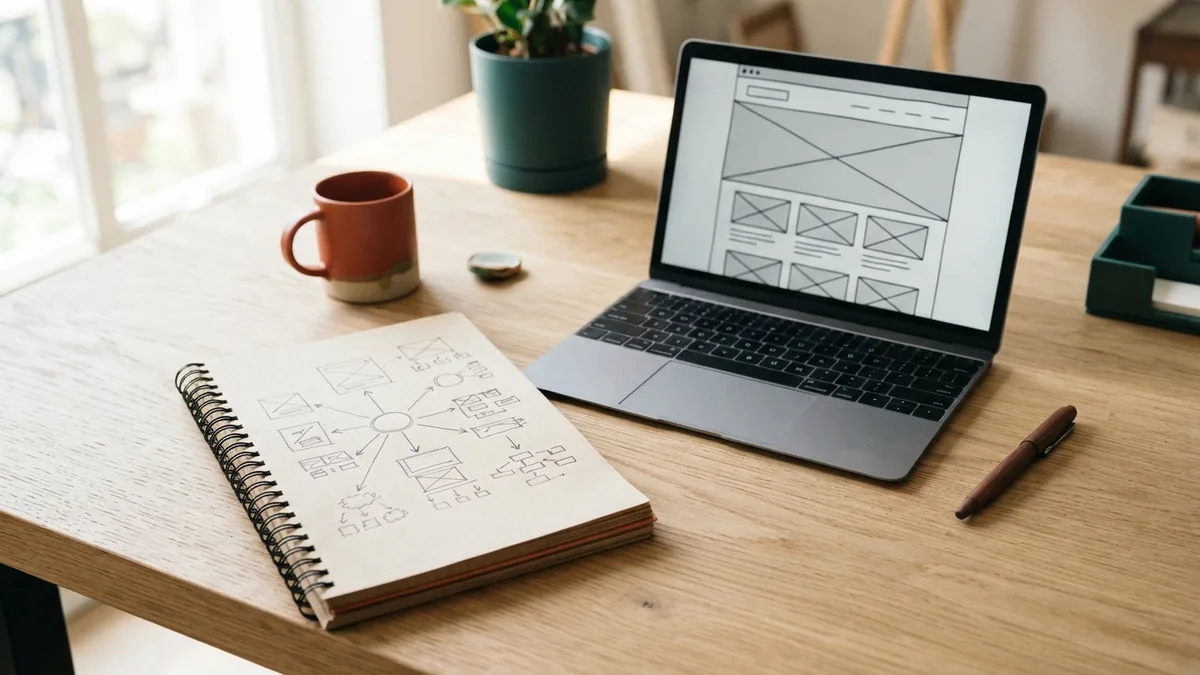
Sketch the page order before editing a template. Put the most useful details near the top. A service page might start with a clear heading, a short summary, and a booking button. Add proof, service details, and common questions below.
If you wonder how to design my own web page, start with visitor needs. Then make the path easy to follow. Use a small set of colors and no more than two type styles. Leave space around text and buttons.
Design a page that works for visitors
Good design helps visitors find what they need without guesswork. Use a clear heading, readable text, and a steady layout. Put key details and the main action where visitors can spot them. Keep the page simple enough to scan.
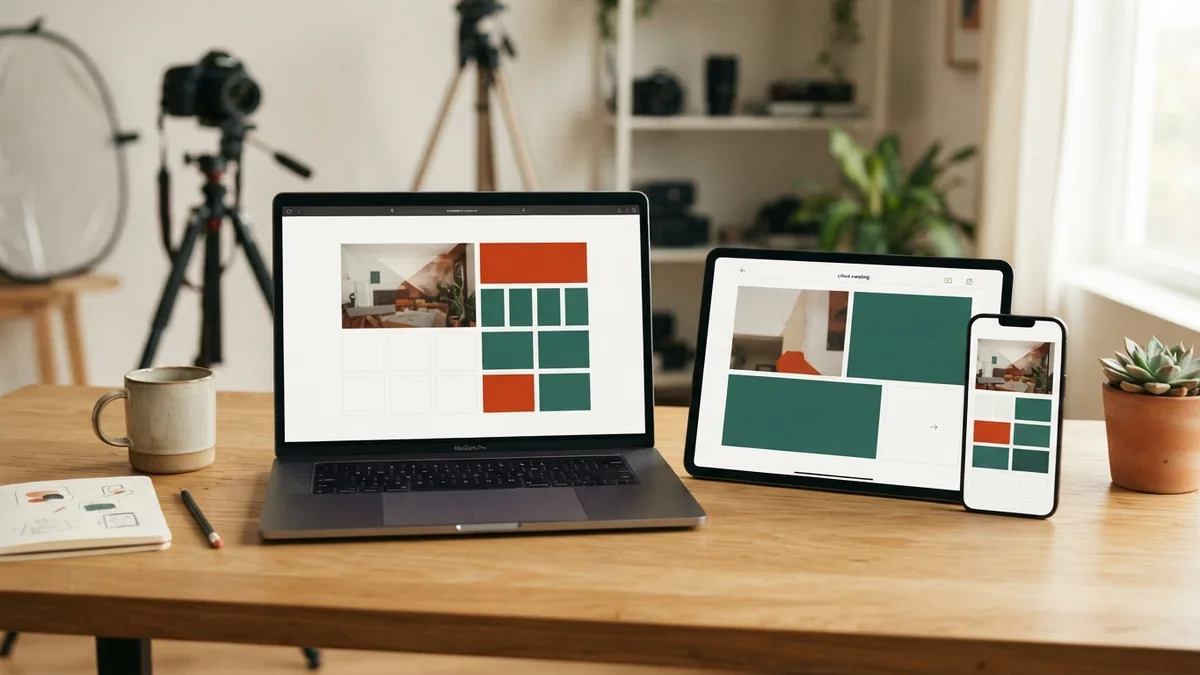
Plan for phone screens as well as desktop screens. Check that text fits, buttons are easy to tap, and menus do not cover content. Use images that crop well at smaller sizes. This is a core part of mobile design.
Make links and buttons clear. “View prices” says more than “Learn more.” Give forms only the fields you need, and label each field plainly. Helpful error notes let visitors fix a mistake without starting over.
Many people ask, “How can I design a web page?” Start with a template, then shape it around your goal and content. A good web page does not need complex effects. It needs a clear order, useful details, and an easy next step.
Keep page design consistent across your site. Reuse the same colors, heading styles, and button shapes. This makes new pages faster to build and easier to use. It also gives your site a unified look.
Create useful content visitors can trust
Good content answers real questions in plain words. Use a clear heading, then explain the main benefit with facts or examples. Break long blocks into short paragraphs. Visitors should find key details without digging.
Write for your audience before search engines. Use the words visitors use for your service, but do not repeat them just to rank. Add a useful page title and a short summary. Give each page one clear topic.
Use descriptive headings to show how ideas fit together. Add links to related pages when they help readers take a next step. For a shop, that might mean linking a product page to delivery details. For a service, link an offer to a booking page.
Good content supports trust. State prices, limits, and service areas in plain terms. Use real examples and current details. Remove claims you cannot back up.
For more on page titles, links, and useful site content, see Google’s SEO starter guide. Its advice helps site owners make pages easier to find and understand. Keep search work tied to a good reader experience.
Test and launch your website
Before launch, open every page on a phone, tablet, and desktop screen. Check the text, images, menus, and buttons. Test each form with both valid and missing details. Fix anything that blocks a visitor from taking the main action.
Check links and page titles, too. Make sure contact details are correct and images load at a useful size. Ask someone who has not seen the site to complete a task. Watch where they pause or get lost.
When the key parts work, publish the site and visit it as a customer would. Try the main action again on a phone. A short final check can catch a missed link or layout issue. Keep a note of any fixes still needed.
- Review the goal and page content.
- Test links, forms, and buttons.
- Check the layout on common screen sizes.
- Publish, then test the live page once more.
Maintain and improve the site
A launch is the start of site care, not the end. Set a calendar reminder to check prices, service details, contact links, and dates. Remove old offers and replace outdated examples. Fresh details help visitors make sound choices.
Review how visitors use the site, if your builder offers basic traffic data. Look for pages people leave quickly or forms few people finish. Treat those signs as clues, not proof. Ask visitors for feedback before making large changes.
Keep copies of important text and images. Apply builder updates when asked, and check that key pages still work afterward. Make one change at a time when testing a new layout. This makes it easier to see what helped.
Start with a small page, then improve it as you learn. The best way to design a web page is to match each choice to a real visitor need. Clear goals, useful content, and regular checks give your site a strong base.