Web Design Basics — From First Sketch to Launch
Learn the core design steps, key principles, and common website cost factors.
Understanding Web Design Basics
Web design shapes what people see and do on a website. It covers page layout, colors, type, images, and the paths between pages. Strong design helps visitors find answers and take useful next steps. It can also give a business a clear, trusted look.
Web design and web development are linked, but they are different jobs. Design sets the look and plans how people move through a site. Development uses code to make those plans work. HTML gives a page its structure, while CSS controls much of its style.
So, how do you web design? Start with what visitors need to do. Plan pages around those tasks, then sketch a simple layout. You can use a site builder or learn basic HTML and CSS. Coding helps, but it is not needed for every design task.
- Web design: Page layout, style, content, and user paths.
- Web development: Code and site features.
- User experience (UX): How clear and easy a site feels to use.
For a first project, make one small page with a clear goal. A local shop might need hours, directions, and a phone number. Sketch the page, build it, then ask someone to try it. Their questions can show where the page needs work.
Key Elements of Effective Web Design
A strong layout groups related details and gives each page a clear order. Menus need plain labels and a shape people can scan. Visitors should know where they are and what to do next. These choices form the base of good web design.
Visual hierarchy helps people spot key details first. Use size, space, and contrast to guide the eye. A call to action, or CTA, asks visitors to take a step. “Book a visit” is one example. Put it near the facts that help people decide.
Responsive design helps a site fit phones, tablets, and computers. Check that text stays clear and buttons are easy to tap. Test key pages at more than one screen size. Also check that people can use the site with a keyboard.
To use a color palette in web design, start with a few shades. Pick a main color, an accent, and neutral tones. Check text against each background before you use it. Figma helps teams sketch pages and test paths. Adobe Creative Cloud can help with images and graphics.
Accessibility means making a site usable by people with different needs. Add useful text for images, keep a clear focus mark, and use enough contrast. The W3C's WCAG guidelines set out ways to make web content easier to use. Accessibility matters because every visitor should be able to reach key details.
- Keep headings and page styles steady.
- Use readable text on small screens.
- Make links and buttons easy to spot.
- Do not use color as the only cue.
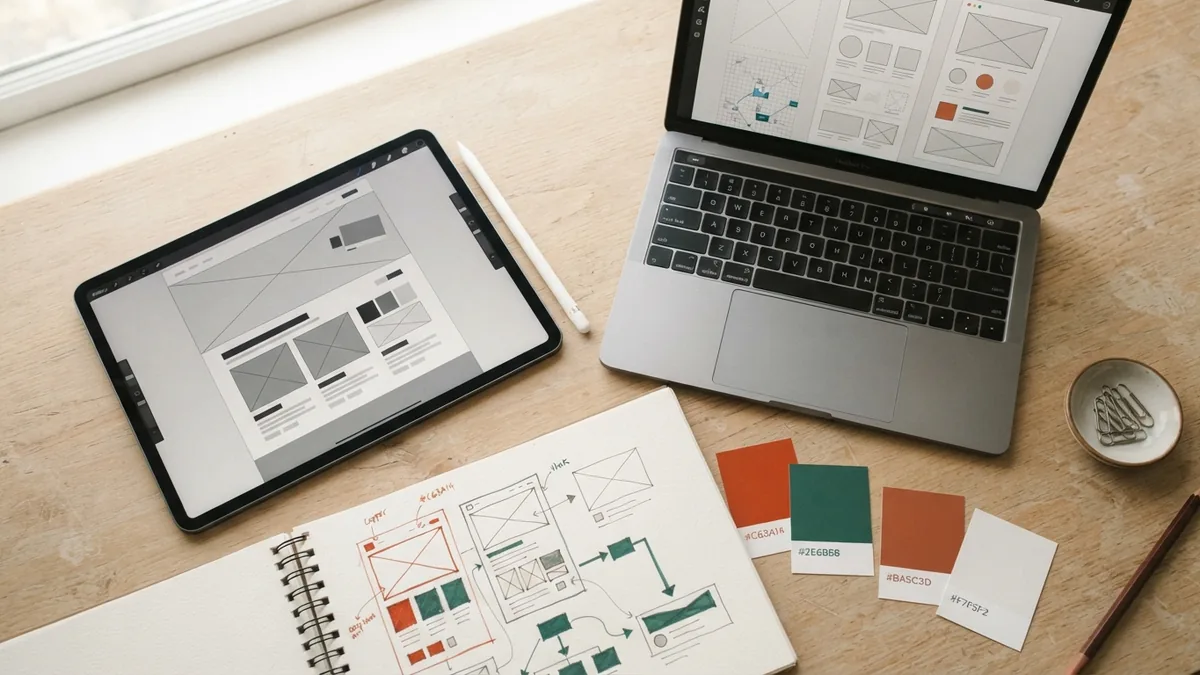
The Web Design Process, From Brief to Launch
A sound web design process starts with goals, not colors. Write down who the site serves and what visitors should do. A shop may need product pages and a checkout path. A local service may need clear service details and a booking form.
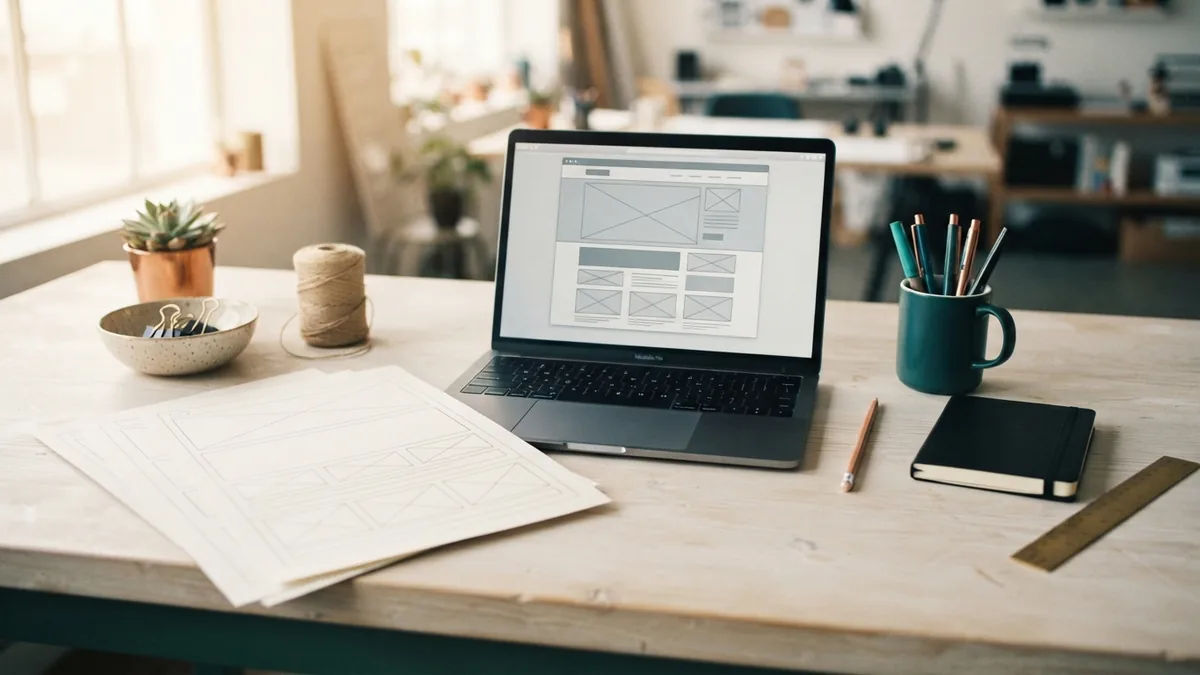
Next, map the pages and gather the content. A sitemap shows which pages belong on the site and how they connect. Wireframes are simple page plans. They show where text, images, and tools will go. This helps teams fix page flow before adding visual detail.
Then make a prototype of the main pages. A prototype is a draft that lets people test links and paths. Ask a few people to try a key task. Watch where they pause or get lost. Fix those snags before the build.
Once the design is set, a developer can build the site. A content management system (CMS) lets a team add and update pages. Test forms, links, phone layouts, and page speed. Check titles and spelling before launch. Keep a list of issues to fix after the site goes live.
Good design can help content marketing work harder. Clear headings and page paths help visitors find useful answers. Easy-to-read articles are more likely to hold attention and earn shares. Design alone cannot make weak content useful.
- Set goals: Name the audience and key tasks.
- Plan pages: Map the site and gather content.
- Sketch: Draft page flow with wireframes.
- Design: Set type, colors, images, and page styles.
- Build and test: Check features and screen sizes.
- Launch and improve: Review feedback and make updates.
What Affects Web Design Cost?
How much does professional web design cost? The price depends on site size, custom work, and the skills needed. A small site with a few pages takes less work than a shop or booking system. New brand work, custom graphics, and added features can raise the fee.
For a rough U.S. price range, a site builder may cost $10 to $50 per month, before extra tools. A freelancer may charge about $1,000 to $10,000 for a small business site. An agency may charge $5,000 to $30,000 or more for a custom site. These are broad estimates, not fixed rates.
Ask what each quote includes. It may cover planning, page design, writing, code, setup, testing, and training. Hosting, paid tools, upkeep, and new content may cost extra. A low quote can become costly if key work sits outside its scope.
To estimate web design cost, list the pages and features you need first. Note any shop tools, booking forms, or links to other systems. Then ask for a written quote with costs, dates, and limits. This makes it easier to compare offers on the same terms.
| Approach | Typical cost | Best fit |
|---|---|---|
| Site builder | $10–$50 monthly | Simple sites and DIY work |
| Freelancer | $1,000–$10,000 | Small custom sites |
| Agency | $5,000–$30,000+ | Larger or more complex needs |
The fold is the part of a page people see before they scroll. Do not treat it as a hard border. Visitors scroll when the page gives them a reason. Put the main point and a useful next step near the top, then give the rest of the page a clear flow.

Web Design Trends and Common Mistakes
Current design work often favors clear type, fast pages, and layouts that adapt to screen size. Simple motion can show that an action worked. Too much motion can slow a page or distract from its purpose. Use effects only when they help visitors understand or act.
One common mistake is starting with decoration before setting goals. Another is using tiny text, weak contrast, or menus with vague labels. Pages can also fail when teams test only on a large screen. Check the full path, from first visit to the main task.
Do not copy a trend just because it looks fresh. A design choice should fit the audience, content, and task. Review real pages with users when you can. Their struggles are more useful than a room full of guesses.
Search visibility also depends on more than appearance. Clear page structure, useful content, and a good mobile experience can support SEO. Design cannot promise high rankings. It can make pages easier to read and use.

The Future of Web Design and Demand
Web design tools keep getting easier to use. Site builders can help people make a basic site without code. Yet good design still calls for clear goals, sound page choices, and careful testing. A tool cannot decide what visitors need.
Graphic designers can move into web design by learning page flow, responsive layouts, and basic accessibility. Build sample pages and explain the choices behind them. Show the problem, the design, and what changed after testing. This gives a portfolio more value than a set of polished screens alone.
Demand for web design changes with the job market and the skills a role needs. Sites still need updates, better mobile layouts, and clear paths for users. People who can connect visual skill with useful, working pages can serve a wide range of teams. Keep learning by testing real designs and improving the weak spots.
Whether you build a site yourself or hire a designer, begin with the visitor's task. Set a budget that matches the site's needs. Test the design before launch, then keep improving it. Good web design is never just decoration.