Create a Company Logo (From First Sketch to Final File)
Shape a logo that fits your brand and works across real-world uses.
Understand the Role of a Logo
A company logo gives people a quick visual cue for your brand. It can shape a first impression and help people recognize your business. A logo is not your whole brand identity. It works alongside your service, voice, and customer experience.
Start by writing down your mission, values, and main audience. Add three traits you want people to link with the company, such as calm, bold, or expert. These notes give you a clear test for each design choice. If a draft does not fit, set it aside.
If the business name is not settled, choose it before you finish the logo. People who ask how to create a company name and logo should treat naming and design as linked tasks. The name shapes the layout and tone. Check that it is easy to say, spell, and read at a glance.
The logo should express one main idea, not every service or value. A local bakery may use a warm, hand-drawn shape. A software firm may favor clean lines. These are examples, not fixed rules. Choose a look that suits your offer and your audience.
Use Simple, Fitting, Memorable Design
Strong logo design often rests on three ideas: simplicity, fit, and recall. A simple mark is easier to spot and tends to hold up when reduced. Fit means the style suits the company and its customers. Recall means people can recognize it after seeing it more than once.
Color and type set a tone. A deep blue may feel steady, while a bright orange may feel lively. But context matters more than color rules. Pick type that suits your brand voice and stays clear at small sizes. Keep the palette focused, and remove fine details that may blur.
Consider where the logo will appear before you refine it. It may need to work on a website, social profile, business card, product label, or shop sign. It should also work in one color. A flexible design keeps its core shape across these uses.
- Simple: Remove details that do not aid recognition.
- Fitting: Match the look to your audience and offer.
- Memorable: Use a distinct idea or shape.
- Flexible: Check the mark in color and black and white.
Think of these principles as a filter, not a formula. A mark can be simple without feeling plain. It can stand out without looking out of place. Aim for a balance that feels true to the business.

Follow a Step-by-Step Logo Process
First, review your mission, values, audience, and competitors. Note what looks common in your field. Then decide how your brand should feel different. This step gives your design a reason to exist beyond decoration.
Next, write words linked to the business and sketch ideas on paper. Aim for ten quick sketches before you judge them. Paper lets you try shapes and layouts without getting caught in software. Keep each sketch loose and explore different ways to show one core idea.
Choose two or three sketches with the best fit. Make digital drafts and test a few type styles and color sets. Change one feature at a time so you can see what helps. A wordmark, symbol, or mix of both may suit the company.
Test each draft in real settings. View it at about 24 pixels wide, then check it at a larger print size. Try it on a website header, a card, and a sign mockup. The main shapes should stay clear at each size.
Ask a small group of likely customers for feedback before you settle on a design. Show the options without telling people which one you prefer. Ask what kind of company each mark suggests and which one they recall later. Look for patterns in their answers, not a vote on personal taste.
- Define: Write your mission, audience, and three brand traits.
- Explore: Sketch at least ten ideas by hand.
- Select: Keep up to three concepts that fit your brand.
- Refine: Test type, color, shape, and size.
- Review: Gather feedback from likely customers.
This process answers the common question, how do you create a company logo, with steps you can repeat. Keep notes on why you chose each change. That record helps you avoid changes based only on passing taste.

Pick Tools That Match the Work
You can create a company logo online with a browser-based design tool or logo maker. These tools help you test layouts fast, especially on a small budget. Check the use terms before you adopt a design. Some tools limit business use or give you few ways to edit the final files.
Vector design software gives you more control for custom logo creation. Vector artwork uses paths, so it can scale up or down without losing sharpness. That makes it useful for signs, print, and digital use. A small raster file may look blurry when enlarged.
People asking how to create a company logo in Word can make a basic name treatment there. Word may work for a rough draft, but it has limits for shape editing and file export. Treat the result as a concept, then rebuild it in a tool that can save scalable files.
Choose a tool based on the task, not its feature list. A beginner may want a simple online editor. A designer may need precise control over paths and color. Keep the source file so you can make changes later without starting over.
Whether you are asking how can I create a company logo, how do I create a company logo, or how to create my own company logo, begin with the same plan. Define the brand first, then pick a tool that fits your skill and needs. Software cannot replace a clear idea.
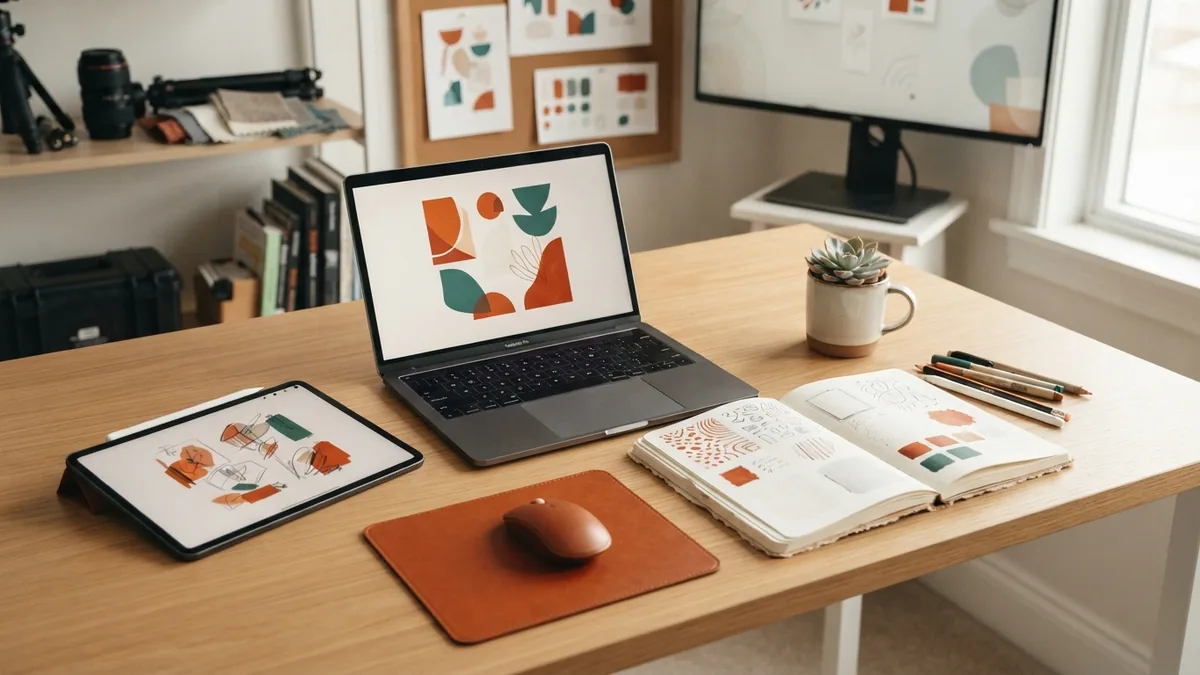
Test and Refine the Design
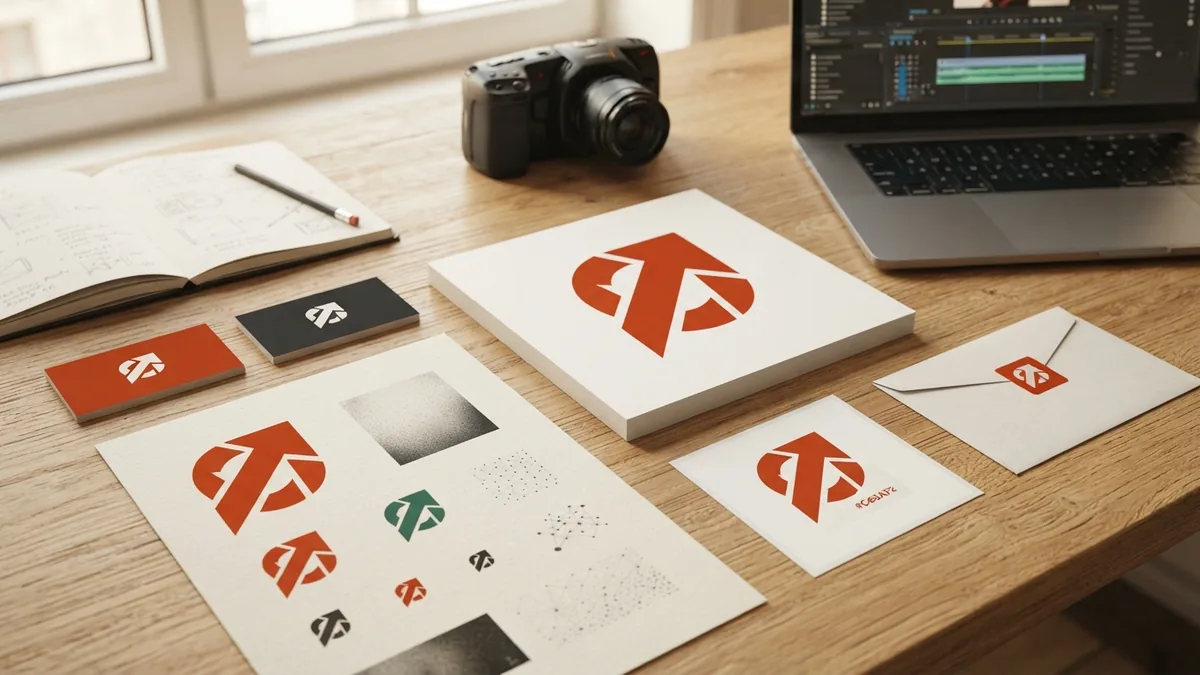
Test your strongest draft in the places people will see it. Check a small screen, a printed page, and a plain background. Try light and dark versions. Each test can reveal a problem that looked minor on a large screen.
Ask people in your target audience what they notice first. Find out what they think the company does and which traits the mark suggests. Keep the questions open and brief. Their answers can show whether your intended message comes through.
Do not change the design after every comment. Look for the same issue across several responses. If people cannot read the name, improve its size or type. If the mark feels too close to a rival, explore a different shape or layout.
This is how to create your own company logo with a stronger link to real use. Test the mark at different sizes, in more than one setting, and with people who fit your audience. Then make focused edits instead of adding extra detail.
Finalize and Save Logo Files
Once the design passes your checks, save a clean master file. Keep a vector version for print and future edits. Also export high-resolution files for common uses. Ask your printer which file type it needs before sending artwork.
Save versions with a clear background and a solid background. Include a full-color mark, a black version, and a white version if needed. Keep the name and symbol aligned across each file. Store the source file and exports in one labeled folder.
Review the final files at small and large sizes before you share them. Check that edges look sharp and colors stay consistent. Keep a short note with the font, color values, and file names. This makes later updates easier.
Whether you search how to create a company logo, how to create company logo design, or how to create company logo online, the core steps stay much the same. Build from the brand, keep the mark clear, test it with people, and save flexible files. The result should work beyond a single screen or page.